
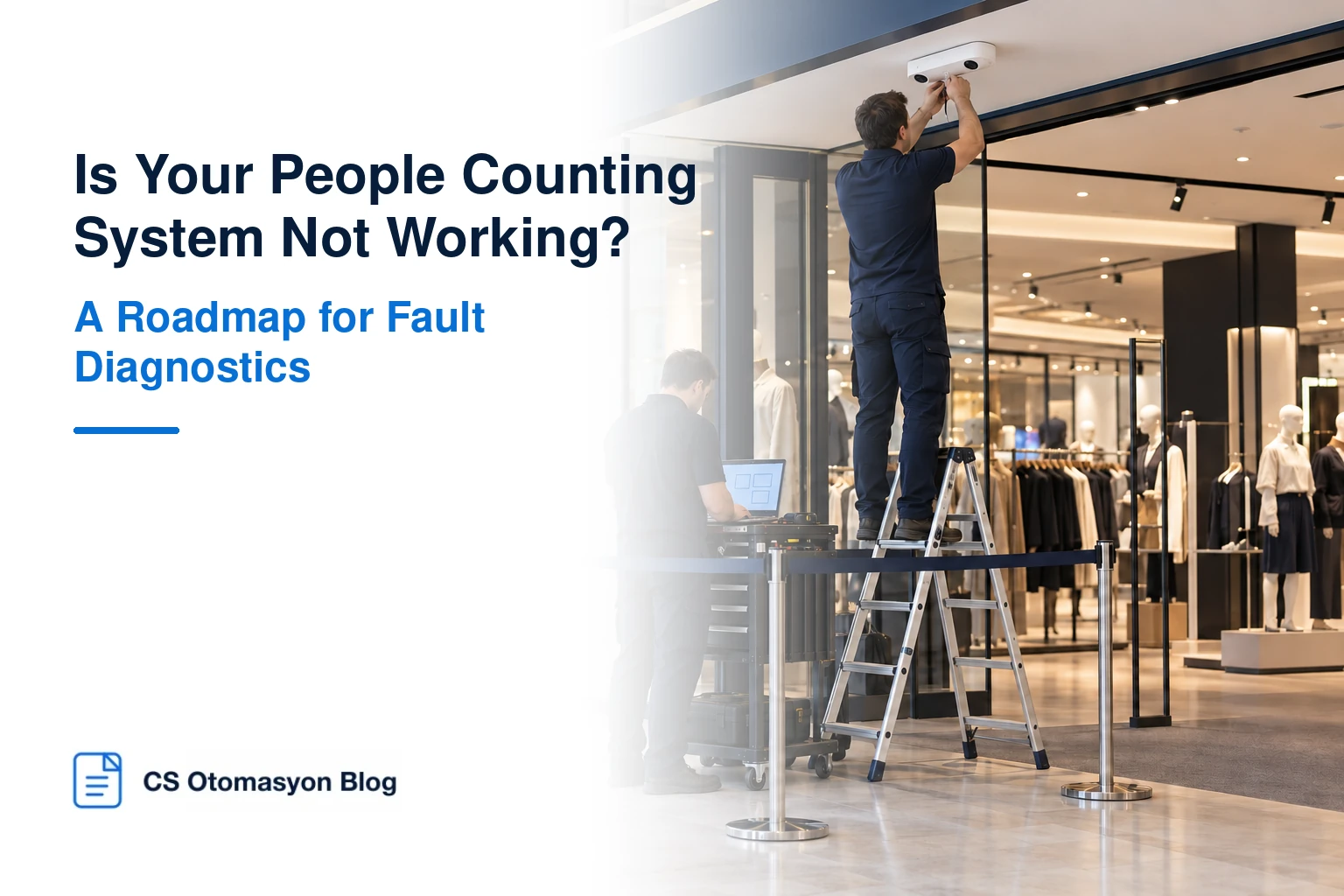
People Counting System Not Working? A Troubleshooting Roadmap
When a people counting report is unavailable, the first reaction may be to assume that the sensor has failed. Yet the device may be working without network access, the counting line may be misplaced, or the report’s relevant time interval may not have been processed. Before investing in new hardware, separate the problem into counting, connectivity and reporting.
First, identify the type of fault
1. The device does not operate at all: Check power, PoE, the connection cable, device status and, where necessary, manufacturer-specific fault indicators.
2. The device is online but not counting: Is analytics enabled? Is the counting line correct? Has the coverage area changed? Was the rule disabled after a software update?
3. The device counts, but incorrectly: Examine the installation angle, entrance width, sensor view, direction definitions and a manual reference test.
4. The device counts, but the report is empty: Check network access, device identity, authorisation, clock synchronisation, data transfer and platform processing logs.
- Symptom: No power or connection
Likely first action: Have authorised staff test the power and network connections
Mistake to avoid: Repeatedly resetting the device without collecting records - Symptom: Entry direction is reversed
Likely first action: Compare the counting line and direction settings
Mistake to avoid: Checking only the total count - Symptom: A sudden drop in counts
Likely first action: Check the field of view, decorations and device status
Mistake to avoid: Immediately treating the change as a loss of visitors - Symptom: An hourly gap in the report
Likely first action: Compare device records with synchronisation history
Mistake to avoid: Automatically treating the missing hour as zero - Symptom: Double traffic on some days
Likely first action: Investigate duplicate transfers and entrance mappings
Mistake to avoid: Trying to fix a data processing error through calibration
A safe diagnostic sequence for technical teams
Start by recording when the fault began. Confirm the sensor’s device ID, assigned entrance and software version. Then check whether it is producing counts in its own interface or a supported diagnostics screen. If counts exist, move to the reporting layer. If they do not, investigate installation, visibility, rules and hardware. Do not perform a factory reset before backing up critical configuration and existing records.
Resolving the issue may require repositioning the sensor or updating its software. These interventions should follow manufacturer instructions and access permissions. After changing settings, do not consider the issue resolved until manual reference counts have validated the result again.
Distinguish an internet outage from data loss
A sensor may be designed to count locally without a network connection. However, local storage capacity, behaviour during power failures and the method for sending historical data after reconnection vary by model. When a report has a gap, first check whether the relevant hourly data exists on the device. If it does not, investigate separately whether no counting took place or stored records were lost.
Our guide to how people counting sensors and cameras work helps explain the installation conditions required by different brands and technologies. Whether existing CCTV can support people counting depends on the camera angle and analytics suitability; this is discussed separately in our article on people counting with existing Hikvision or Dahua cameras.
When should you consider repair or replacement?
First, assess the cost and sustainability of resolving the root cause. Replacing an entire fleet may be unnecessary when one sensor’s issue can be corrected through installation or configuration changes. Conversely, replacement may be needed for devices that are no longer supported by the manufacturer, lack a data export interface or cannot meet the intended use. The decision should consider maintenance access, reporting continuity, integration and total cost rather than the initial device price alone.
Conclusion
“Not working” is not a single fault diagnosis. Effective troubleshooting identifies where the device–network–platform chain has broken down. CS Otomasyon can help assess the technical condition of your existing infrastructure and compare repair, reconfiguration and replacement options.