
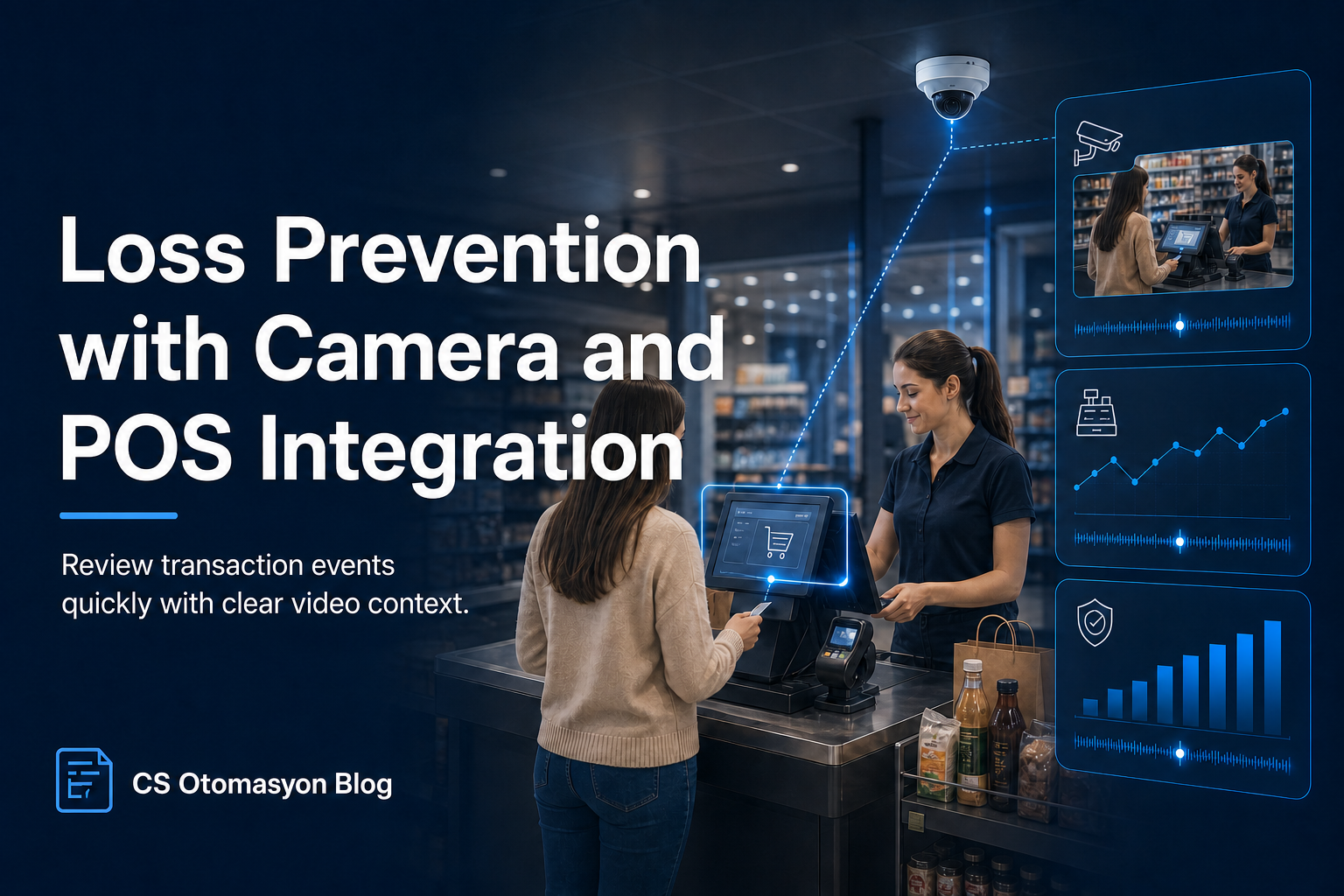
How Is Retail Loss Prevention Done with Camera and POS Integration?
Closing Invisible Leaks at Checkout Points
One of the biggest problems eroding profitability in retail is inventory shrinkage. External theft cases can be managed to some extent through product security alarms (EAS) and security guards in aisles. However, statistics show that a significant portion of retail losses comes from internal irregularities such as checkout errors, incorrect voids and sweet-hearting. In traditional systems, when a suspicion of irregularity arises, security managers need to take a POS daily report and manually search hours of camera footage from that period, which is an operational nightmare. Integration of camera and POS data combines video and transaction data on a single screen, reducing this process to minutes and making audits proactive.
How It Works: Video and Data Synchronization (Text Overlay / Event Sync)
The core engineering of this solution is based on bringing logs from two different systems together on a millisecond-level time axis.
- Data Flow: Every barcode scanned on the POS device, void key press, special discount definition, gift card use or cash drawer opening command is sent to the network in real time.
- Text Overlay: These transaction logs are displayed as written text directly over the live feed of the high-resolution IP camera focused on that checkout, or on the VMS (Video Management System) interface. While watching the video, the receipt details seen by the cashier flow in real time in the corner.
- Rule-Based Alarm Management: The system does not only display data. Managers define rule sets: when rules such as "line void above 500 TL", "cash drawer opened at the end of shift" or "return receipt issued without customer" are defined, these events are bookmarked in the database and reported as 10-second video clips.
Critical KPIs That Can Be Measured
When the system becomes operational, store audit teams can analyze these metrics on an event basis:
- Void / Return Density: Statistical deviations showing which cashier or store performs disproportionately high return/void transactions.
- Zero-Amount Transactions: Frequency of cash drawer open-close commands or promotional products passed at 0 price.
- Audit Time Savings: Labor savings achieved when security staff review only 15-20 video segments flagged by the system instead of searching retrospectively.
Real Use Case: Detecting Sweet-Hearting
In a supermarket chain, a cashier is involved in a sweet-hearting scenario where high-priced products belonging to acquaintances or family members are pretended to be scanned while the barcode is covered, or only a cheap item is deliberately scanned while others are put into the bag. The store manager lists suspicious transactions in weekly reports where many products appear to pass through but basket value is unusually low. In a traditional system, finding this moment takes hours. With a POS-integrated video platform, only the suspicious receipt number (Receipt ID) is entered into the search bar. The system opens the camera recording directly at the second of that transaction and shows only the scanned product name on screen. The manager sees within 1 minute, with visual evidence, that 5 products passed in the video but only 2 products appeared on screen.
Privacy, KVKK and Technical Limitations
Checkout monitoring and staff performance tracking processes are closely related to business ethics and legal regulations. The camera angle should target the belt area where products pass and the checkout counter, not directly the employee's face. Employees should be clearly informed about camera use and purpose under KVKK / disclosure requirements.
Technically, the biggest limitation is that not every POS device or software is open to providing data externally through API, TCP/IP or Serial Log. In closed proprietary systems, middleware or special log reading protocols must be provided for this integration. Therefore, detailed preliminary discovery and software tests (Proof of Concept) are essential in integration projects.
CS Otomasyon Approach
CS Otomasyon designs data-centered security architectures for retailers. We bring your point-of-sale data and camera network out of isolated systems and make them communicate on the same platform, accelerating audit operations so they focus only on suspicious events.
Designing Event Rules Fairly and Auditably
In a loss prevention system, every void, return or drawer opening does not mean suspicious behavior. Customer request, product error, training process or authorized manager intervention can make the same transaction legitimate. Therefore, rules should not produce results that automatically accuse employees; they should only prioritize events that the audit team needs to review.
Rule thresholds should be defined according to store format, transaction volume and department type. Applying the same void threshold to a supermarket checkout and a customer service desk within the same chain can be misleading. After the system goes live, false positives should be recorded and rules should be updated in a controlled way.
- Authority matrix: Defining which role can access which transactions and footage.
- Review record: Logging the reason for the alarm, verification result and action taken.
- Data minimization: Not transferring card numbers or unnecessary customer information onto the video.
- Retention period: Defining a period limited by purpose and legal requirement.
- Employee information: Clearly explaining monitoring purpose, scope and access rules.
A successful project does not only produce more alarms; it reduces security team review time while establishing a fair, explainable and auditable process. Final evaluation and disciplinary decisions should not be based only on automated system output.
Evidence Management and Human Review
The matching of an event with video and transaction records is not, by itself, proof of irregularity. Time differences, wrong checkout codes, return procedures or authorized manager transactions may explain the alarm. The reviewer should see both POS context and the relevant procedure, and the decision process should be recorded.
- Integrity: Preserving event time, source system and record identity.
- Access: Allowing only authorized roles to view video and transaction data.
- Transfer: Sharing exported records in a controlled and traceable way.
- Deletion: Removing data whose retention period has ended according to policy.
Whether rules produce disproportionate alarms for certain employees, shifts or stores should be reviewed regularly. When the false positive rate rises, thresholds and process design are revisited. Automated analytics is an assisting tool that prioritizes the audit team's attention; the final result should be determined within the framework of human evaluation, company policy and applicable law.
FAQ
Can AI automatically catch an unscanned product?
Depending on project conditions, video analytics models can try to match product movement seen by the camera with the barcode scanning signal from POS. However, because of packaging variety and hand movements, a 100% automatic capture claim is not realistic; the system provides facilitating support to the operator.
Is this solution suitable for small stores, such as single-checkout stores?
The cost-benefit balance usually becomes more visible in operations with multiple checkouts, high transaction volume and central audit needs. For small stores, suitability should be evaluated together with event volume and integration cost.
Can POS be connected directly to our VMS software?
Direct integration is possible depending on the suitability of your Video Management System's POS (Retail) plugin licenses and protocols, such as Milestone, Genetec or Avigilon.
Are personal details in receipt data, such as credit card numbers, reflected in video?
No. In accordance with PCI-DSS security standards, card numbers, passwords or customer personal data are transferred from POS in masked form (***) and are not reflected in video.
Conclusion
Making retail checkout transactions transparent with camera footage increases deterrence while helping prevent financial losses. To analyze the applicability of checkout and POS integration scenarios in your facility, you can review our hardware or contact our technical team.