
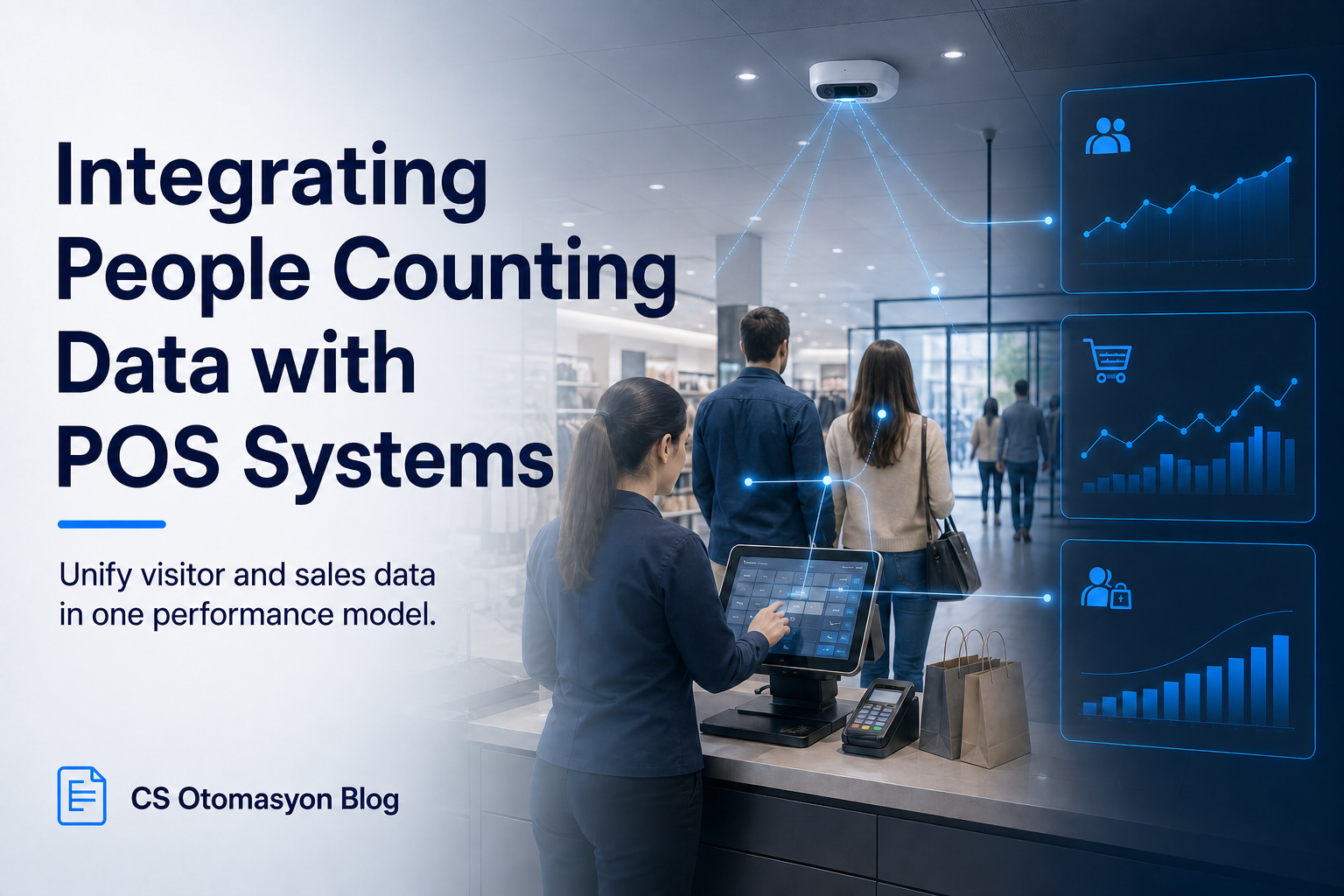
How Is People Counting Data Integrated with POS Systems?
Bringing Together Two Core Data Sources in Retail
In modern retail operations, evaluating a store's financial health only through daily revenue or the number of products sold can be misleading. The ratio between potential customer traffic entering the store and the number of customers paying at checkout, namely the conversion rate, reflects a business's real operational success. For this metric to be produced regularly and automatically, people counting systems and cash register or POS (Point of Sale) software must communicate with each other. For businesses, the biggest challenge is synchronizing these two separate data islands and turning them into a meaningful whole.
How the Technology Works and Architectural Options
People counting sensors record the data they create while detecting people passing through the door with a timestamp. POS systems write each receipt, product detail and transaction amount to their own database, again with a timestamp. The basic logic of integration is to combine these two datasets over a common time period, such as hourly intervals. In practice, three main integration methods stand out:
- API-Based Real-Time Transfer: Using the POS software's REST API or Webhook features, data is pushed or pulled to the central analytics platform when the transaction is completed or at minute-level intervals. See the Video Intelligence Platform.
- File Transfer via SFTP (Batch Processing): In older-generation or closed POS systems, CSV/XML files are placed on a secure FTP server at the end of each hour or day and read by the system.
- Direct Reading at Database Level: Reading relevant tables from SQL/Oracle-based data warehouses hosted on the customer's own local server through custom queries.
Critical KPIs That Can Be Measured
When this integration is successfully implemented, store managers can analyze the following data in real time:
- Conversion Rate: The ratio of receipts issued and included in the calculation to the total number of visitors. It shows the rate at which customers leave without shopping.
- Average Revenue per Visitor (ATV / IPC): Total revenue divided by total traffic. It measures the quality of the store's visitor attraction.
- Transaction Speed per Checkout: The correlation between time spent at checkout during peak hours and visitor density.
- Impact of Returns on Traffic: How much checkouts are occupied with returns/exchanges during busy hours.
Implementation and Integration Process
For a corporate retail network, the integration process requires careful planning. The first step is for technical teams to review the export capabilities offered by the current POS software provider. After the standard data format (JSON, CSV, etc.) is defined, test data flow is started in pilot stores. Before moving to live use, transfer security, access permissions, logging, data minimization and retention policies are evaluated. In scenarios where personal data may be processed, separate legal and technical assessment should be made for obligations under KVKK.
Real Use Case: Campaign-Period Density
Imagine that a large cosmetics chain is running a weekend-only discount campaign. The people counting system reports that 800 people entered the store between 14:00 and 16:00. However, POS data shows that only 80 receipts were issued during that time slot (Conversion Rate: 10%). When the POS-integrated dashboard is reviewed, it is found that only 2 of the 4 checkouts were open during those hours, transaction time increased and customers gave up shopping because they were tired of waiting in line. Integrated data proves that the problem is not campaign failure, but a bottleneck in checkout operations.
Limitations and Points to Consider
POS integrations may not become instantly active in a plug-and-play manner with every software brand. The business's own server architecture, network security policies (firewall) and the POS brand's policy on allowing external integrations affect the process. In addition, visitors entering the store as a group (family) may be counted as 3-4 people by the people counting sensor while producing a single receipt at checkout; therefore, logical algorithms that filter group passages are important for calculating conversion rate correctly.
CS Otomasyon Approach
At CS Otomasyon, we provide flexible integration layers in complex ecosystems where devices and software from different manufacturers communicate with each other. During the analysis phase of the project, we work jointly with your IT teams to design the healthiest architecture without compromising data security.
Data Dictionary and Reconciliation Process
In integration projects, establishing the technical connection alone is not enough. It must be explained whether concepts such as "visitor", "transaction", "receipt", "return", "void" and "store day" mean the same thing in both systems. For example, in stores that close after midnight, the POS day and the calendar day may differ. Receipts opened or split across multiple checkouts can also affect how the conversion rate is interpreted.
Before live use, sensor and POS data should be monitored side by side for a defined pilot period. In addition to daily totals, hourly breakdowns, missing data intervals and connection interruptions are checked. When data does not arrive, the dashboard should produce a "data missing" warning instead of showing zero, which is important to prevent incorrect management decisions.
- Branch matching: One-to-one definition of the sensor location and the POS store code.
- Time matching: Documenting time zone, daylight saving and server time rules.
- Transaction types: Separately classifying sales, returns, voids and test transactions.
- Interruption management: Preventing late or resent data from creating duplicate records.
- Acceptance test: Validating calculated KPIs with manual samples.
When these controls are completed, integration stops being a purely technical project connecting two systems and becomes a shared performance model that decision makers can trust.
Live Use and Change Management
After POS integration goes live, changes to store code, transaction type or API fields can affect reports. Therefore, the data dictionary and integration version should be recorded, and relevant teams should be informed before POS updates. When a field name changes in the source system, the monitoring screen should generate a warning instead of allowing data to silently decrease.
- Ownership: Defining the teams responsible for POS, sensor and reporting data.
- Monitoring: Setting alerts for data delays, missing records and unusual conversion values.
- Recovery: Safely reprocessing data when the integration is interrupted.
- Change record: Documenting version, date, scope and test result.
Especially in multi-branch structures, running a pilot in a limited number of stores first helps reveal different POS scenarios. Gradual rollout after pilot acceptance reduces the risk of carrying an error across the entire chain and helps KPI definitions be used consistently across the business.
FAQ
Does integration require changing existing POS hardware?
Whether hardware change is required depends on the POS software's data export capability, checkout infrastructure and project scope. In some projects, the existing API may be sufficient, while in others middleware or an additional integration component may be required.
Do time zone issues affect integration?
Yes. The sensor network and POS server must be synchronized to the same time reference. The required precision depends on the use case, such as hourly reporting or event-based matching. Otherwise, hourly conversion rates shift and cause incorrect analysis.
Do returns artificially lower the conversion rate?
In a healthy integration, sales transactions and return/void transactions in POS data are separated. Conversion rate should be calculated only over net sales receipts.
How is data security ensured?
During data transfer, customer personal information such as credit card details or names is not pulled; only operational metadata such as store code, transaction time, receipt ID and amount is transferred through encrypted tunnels.
Conclusion
Visitor data alone is a strong tool, but when combined with POS data, it becomes the strategic compass of the business. To strengthen your stores' data integration infrastructure and request project design, you can speak with our technical teams.