
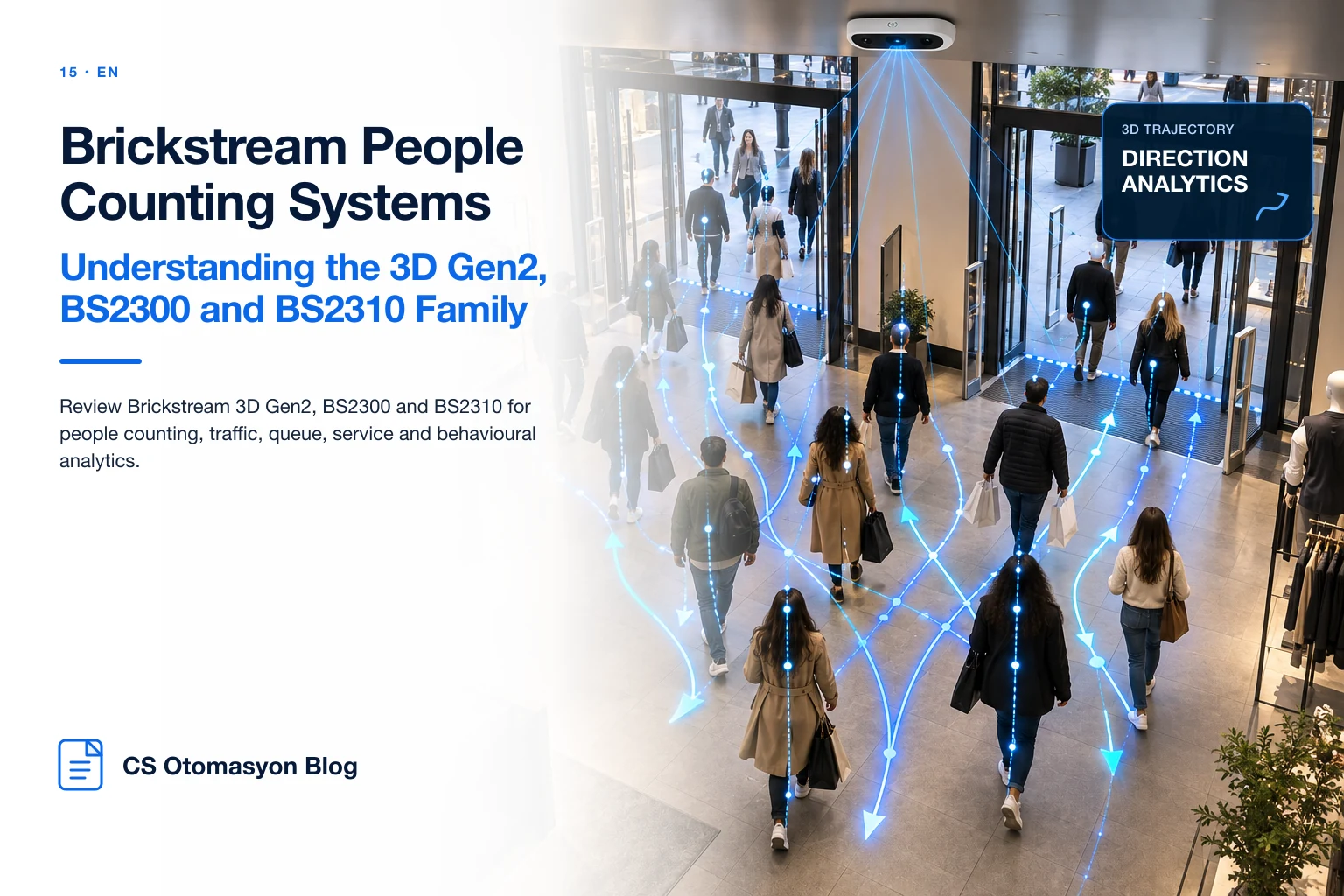
Brickstream People Counting Systems: Understanding the 3D Gen2, BS2300 and BS2310 Family
Overview and context
Brickstream model names such as 3D Gen2, BS2300 and BS2310 appear across different periods and use cases. The models should be assessed through their roles and target use cases within retail analytics.
Technology and analytics capabilities
Entrance traffic, queue, service and in-store behaviour create different rule and coverage requirements, which is why a product family can contain several architectures.
Limitations and field criteria
Legacy estates should inventory data output, firmware, calibration and support state at model level.
Procurement / integration decision
When old and new devices can be normalized centrally, hardware lifecycle can be managed without breaking operational KPIs.
Why the Brickstream family remains relevant
Brickstream has been used in retail traffic and 3D counting for many years. Deployments containing current and legacy models should assess device generation, data output, support status and integration capability separately.
Model selection should not rank 3D Gen2, BS2300 and BS2310 as universally good or bad; it should identify the retail-analytics problem each product is designed to address.
Separate entrance counting from in-store analytics
Doorway counting focuses on directional traffic and clean customer counts. In-store analytics can add zones, queues, service metrics, tracking and shopping-unit concepts.
Different products can therefore exist inside one brand family because the sensing problem at an entrance is not identical to the sensing problem across a sales floor.
Managing a legacy device estate
Long-running Brickstream deployments may contain several generations. A new dashboard project should first inventory data outputs, time synchronization and data quality rather than automatically replacing every device.
If an adapter layer can normalize generations into a common schema, hardware migration can follow lifecycle and business risk instead of a forced big-bang refresh.
Why field documentation matters
Ceiling height, device orientation, coverage, counting line and firmware should be stored alongside the device serial number. If accuracy changes years later, teams can compare the original installation with the current store layout.
Technical value comes from explaining sustainable operation rather than simply listing model names.
The CS Otomasyon approach
Across the Brickstream family, CS Otomasyon connects model-specific outputs to one retail data operation. Legacy and newer devices are inventoried so entrance, queue and in-store metrics can be normalized centrally.
FAQ
Are BS2300 and BS2310 the same?
No. They are different models with different analytics emphasis.
Is Brickstream only for entrance counting?
No. The family can also address queue, service and in-store traffic use cases.
Why do legacy Brickstream models remain relevant?
Installed estates, historical proposals and maintenance documents keep these model codes operationally important for years.
Is in-store analytics different from entrance counting?
Yes. Zones, queues and tracking require different geometry and rule design.
Can legacy data be moved into a new BI system?
Potentially, if timestamps and data structure are sufficient for normalization and ETL.
Conclusion
Choose the technology against the real entrance geometry and target KPI rather than the logo on the device. A site survey and controlled pilot with CS Otomasyon can validate the architecture before rollout and connect the resulting data to centralized reporting.